
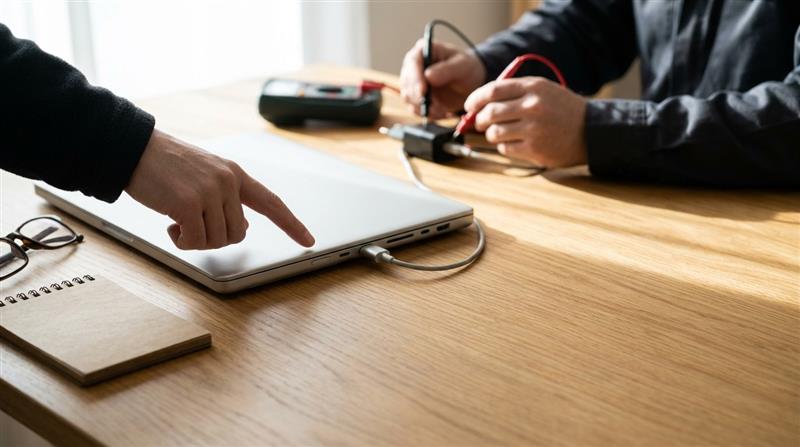
You press the power button. Nothing. No light, no fan, no startup chime, just a black screen and a sinking feeling, especially if your work or your photos are on there.
Don’t panic yet. A laptop that won’t turn on isn’t always a dead laptop. Often it’s a flat battery, a tired charger or a small glitch that a reset can clear. Run through the seven checks below first. If none of them work, we’ll tell you when it’s time to hand it over to someone who can open it up.
Quick answer: check the charger and socket, then do a hard reset by unplugging everything and holding the power button for 30 seconds. If there’s still no sign of life, the fault is probably the battery, the charging port or the motherboard, and it needs a proper diagnosis.
Boring, we know. But it sorts out more “dead” laptops than you’d expect. Make sure the socket is switched on and the plug is pushed all the way in, at the wall and at the laptop. Is there a light on the laptop or on the charger itself?
Then look at the cable. Frayed wires, bent pins, a kink where it’s been trapped behind a desk or under a chair leg. Those are the usual suspects. If your charger has a brick in the middle, check both ends of that too.
Leftover power can stop a laptop from starting properly, and a hard reset drains it. Here’s how:
Most newer laptops have sealed batteries, so skip step 2 and just hold the button.
A dodgy USB stick, external drive or printer cable can stop a laptop booting. It’s odd, but it happens. Pull out everything except the charger and try again. If it starts, plug your devices back in one at a time. Whichever one stops it is your culprit.
Sometimes the laptop is on and the screen is just blank. Look and listen for signs of life: a spinning fan, a faint hard drive whirr, a keyboard backlight or a power light.
Here’s a handy test. Plug the laptop into a TV or external monitor with an HDMI cable. If your desktop appears on the big screen, the laptop itself is fine and the problem is the display or its cable. You can also hold a torch up close to the screen at an angle. If you can faintly see your desktop, the backlight has failed. Either way, that’s a much smaller repair than replacing the whole laptop.
Chargers die far more often than laptops do. If you can borrow one, try it, but make sure the voltage and connector match, because the wrong one can do real damage. Test the socket too, with a lamp you know works.
Then look at the charging port on the laptop. If the plug wobbles, or only charges when you hold it at a certain angle, the port is probably worn or damaged. That’s a repair, not a reset.
Even a laptop that looks dead can give you hints about what’s wrong:
Jot down what you see and hear. It helps a technician find the fault faster.
Honestly, don’t keep hammering the power button. It won’t bring the laptop back, and on some faults it makes things worse.
Get it looked at straight away if:
On that last one, if your data matters, stop trying to power it on. Our data recovery service can often get files back even when the laptop won’t start.
Still no luck? That’s what we’re here for. With over 20 years of experience, we find out what’s actually wrong before recommending anything, and you’ll get a time and cost estimate before any work starts. Bring it to our workshop or we’ll come to you.
Have a look at our laptop and computer repairs in Guildford and hardware repairs and upgrades, or call us on 01483 511 551.
The most common causes are a faulty charger, a damaged charging port, a drained battery or a power fault inside the laptop. Try a different charger and socket first, then do a hard reset.
This usually means power is reaching the laptop, but something else is stopping it from booting, such as a faulty battery, RAM issue, screen problem or motherboard fault. A hard reset is worth trying, and if that fails, it needs a professional diagnosis.
Unplug the charger and all accessories, remove the battery if you can, and hold the power button for 30 seconds. Then plug in the charger only and press the power button once
It depends on the fault and the age of the laptop. Problems like a faulty charger, battery or screen are often quick and affordable to fix. A technician can tell you whether repair or replacement makes more sense once they’ve diagnosed it.
The cost depends on the fault, the parts needed and the make and model of your laptop. A simple fix like a faulty charger or a software issue usually costs far less than a motherboard or screen replacement. For a clear, no-obligation estimate, contact us or call 01483 511 551. We’ll diagnose the problem and give you a time and cost estimate before any work starts.